
Read what you already save
- links, pasted text, PDFs, and EPUBs in one place
- quick handoff from Safari and other apps
RSVP Reader turns articles, PDFs, EPUBs, and saved text into a focused reading flow. Use the single-word view for raw pace, switch to flow reading for more context, and keep your reading history in one place.
Typical speed increase after practice
Maximum adjustable words per minute
Core content routes built for SEO and discovery
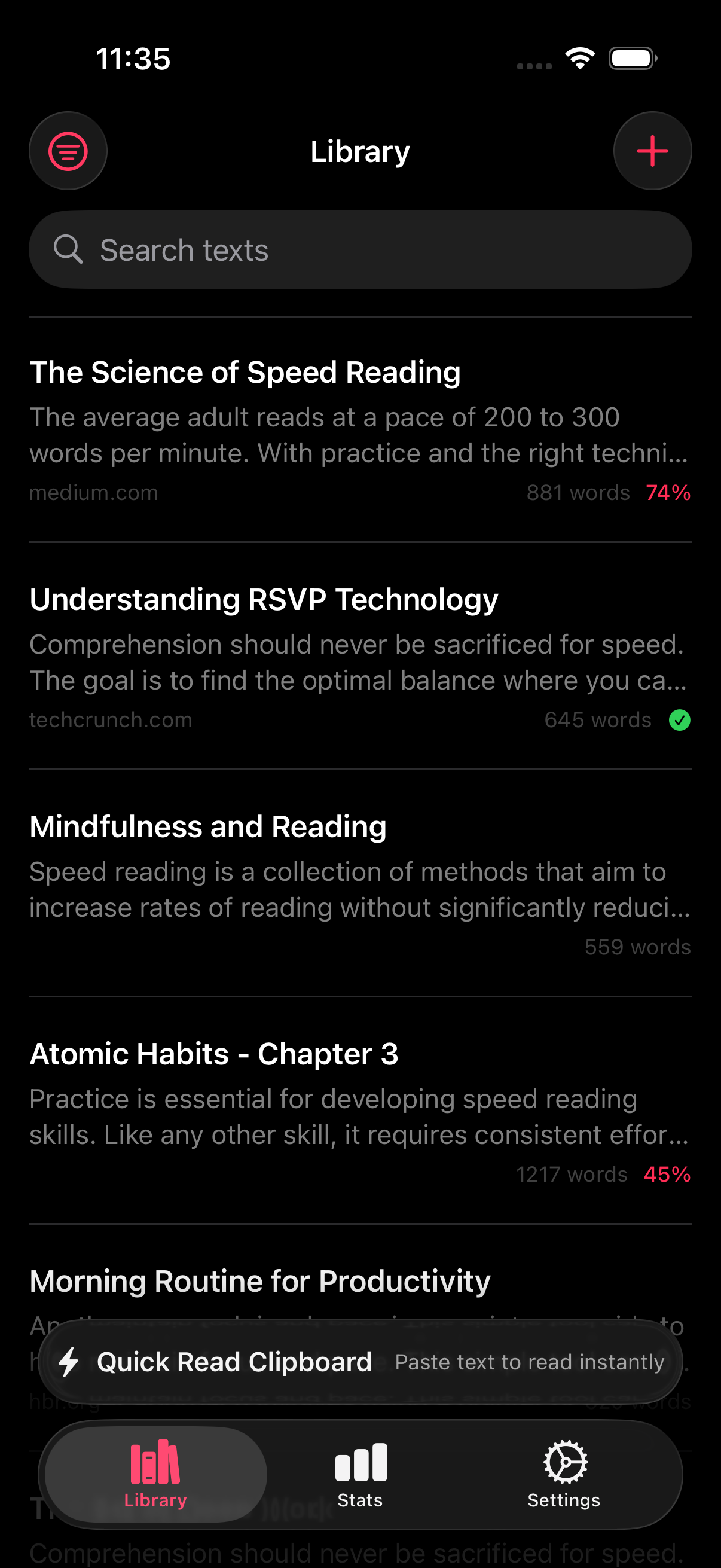
The home screen shows the real job RSVP Reader is trying to solve. Send text in, keep your place, and come back later without rebuilding the reading session from scratch.
Here is why the layout matters. The app is not only about raw pace. It also handles intake, session control, saved progress, and settings that make longer reading easier to stick with.
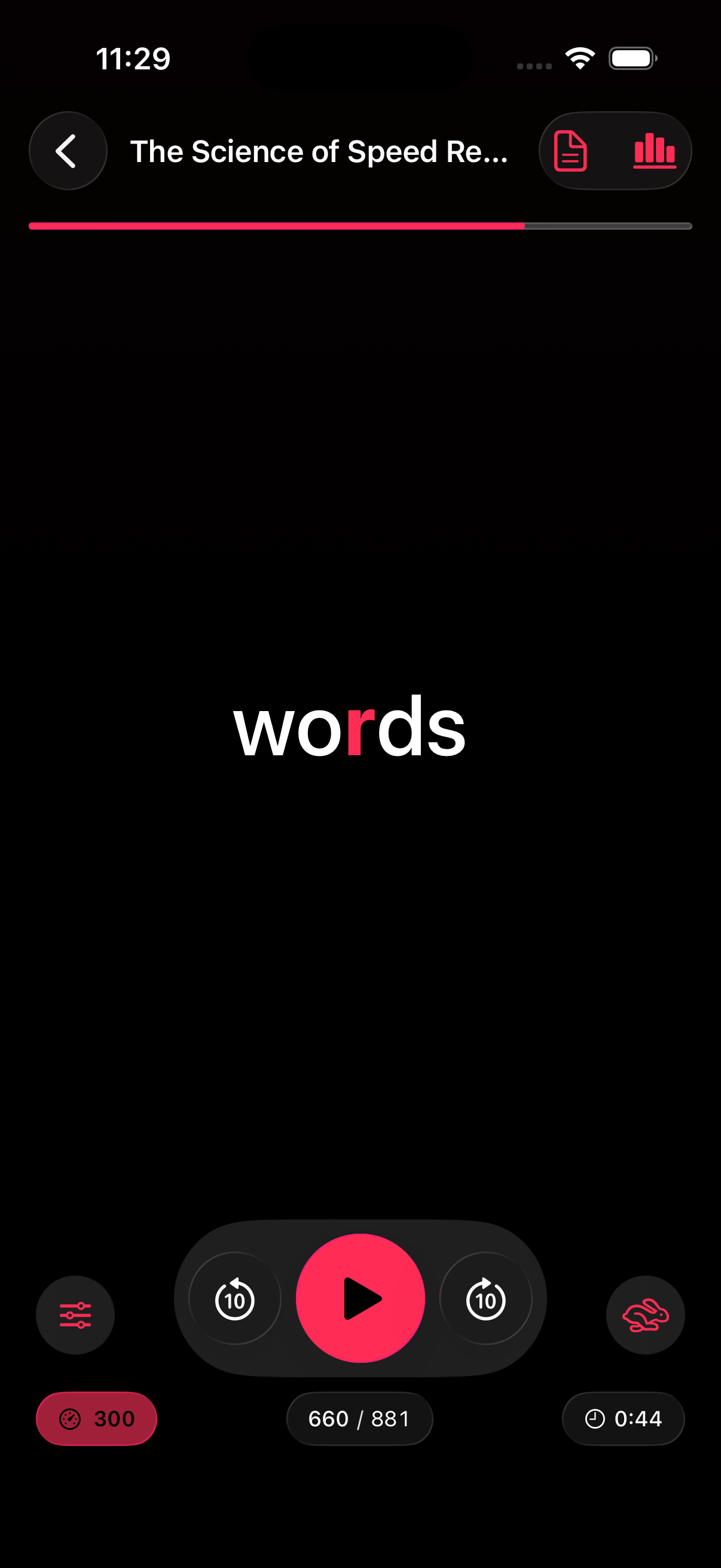
This is the fixed-gaze reading view. Words arrive one at a time at your chosen pace so short articles and first-pass reading can move much faster.
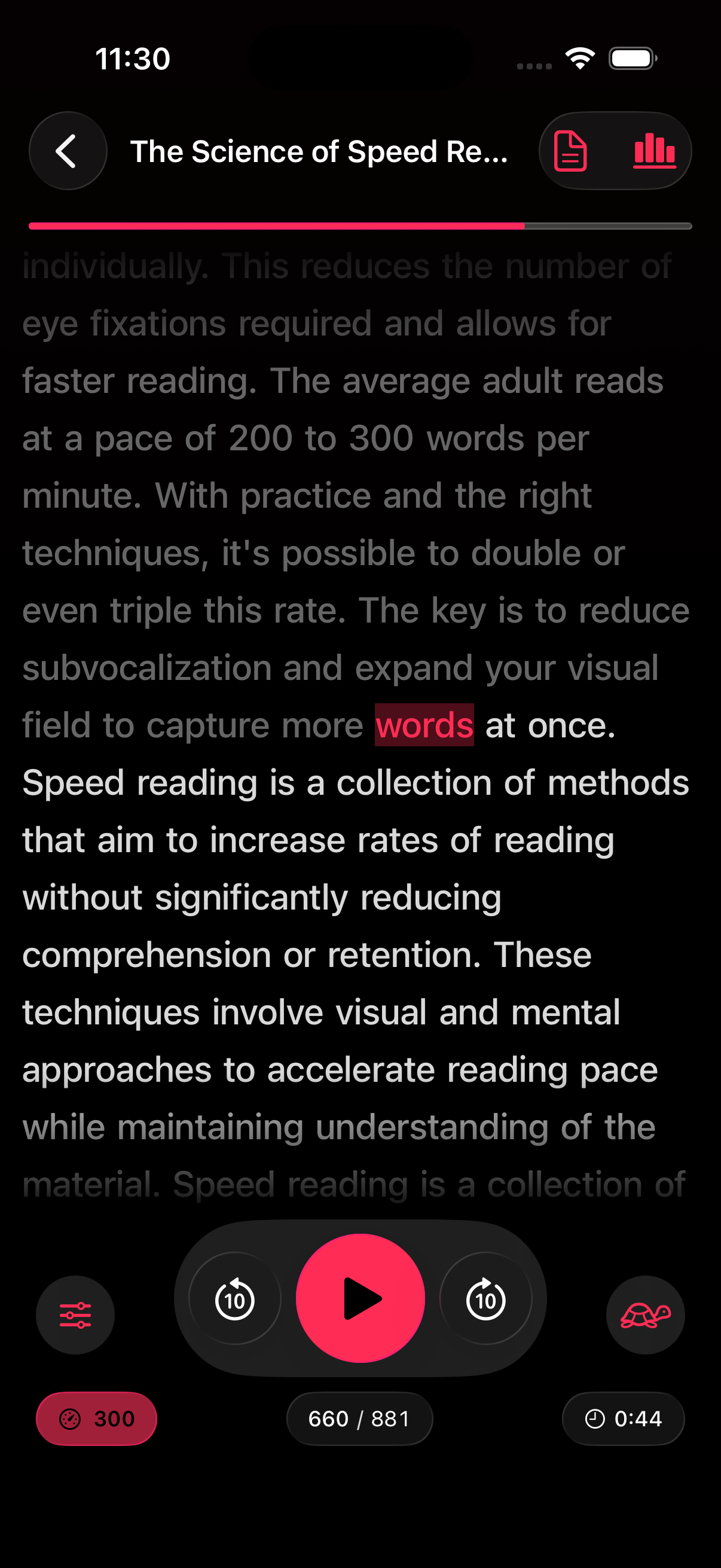
Some text needs more context. The flow view keeps the paragraph visible while still pushing the reading session forward with timed movement and highlights.
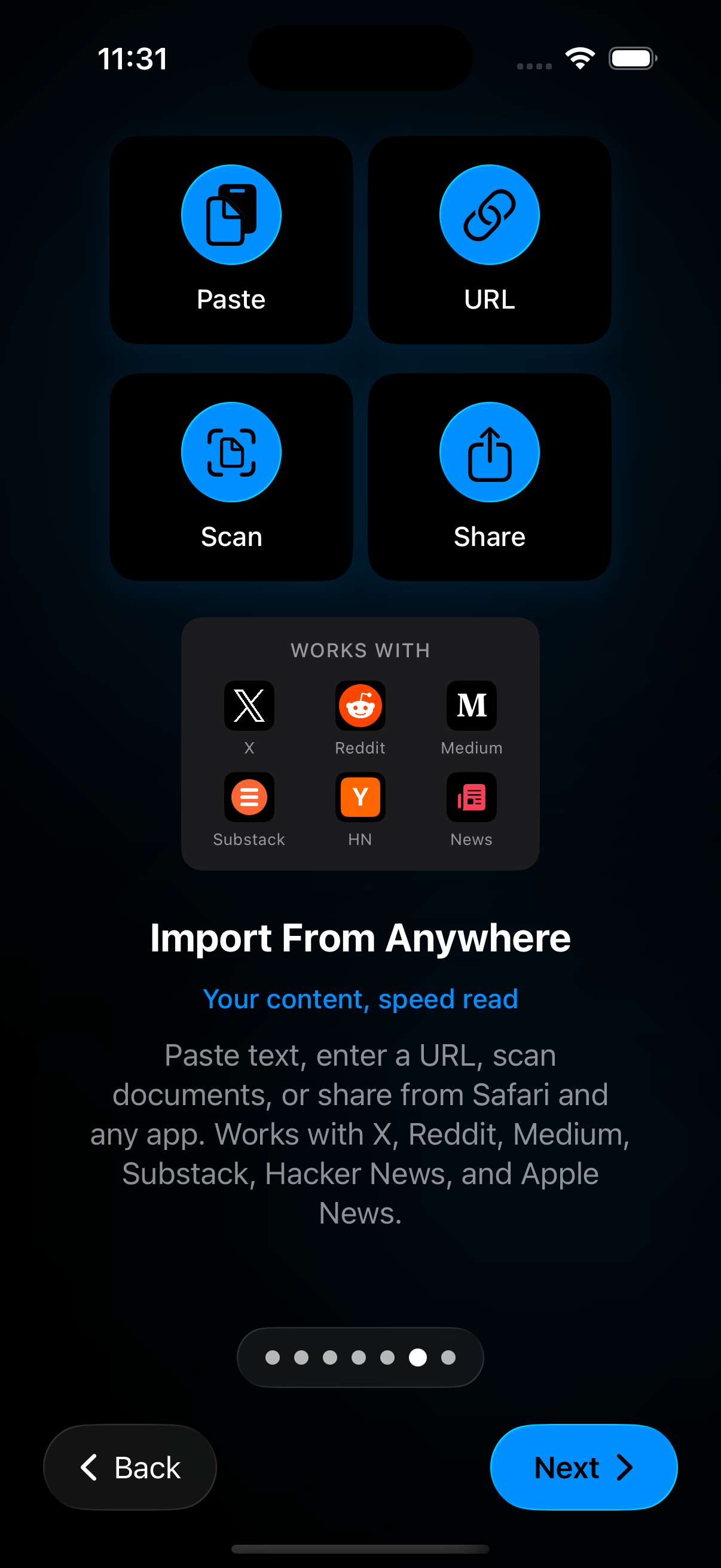
This screen is the intake hub. It is the closest RSVP Reader gets to a power feature, because most reading apps break down before the text even reaches the reader.
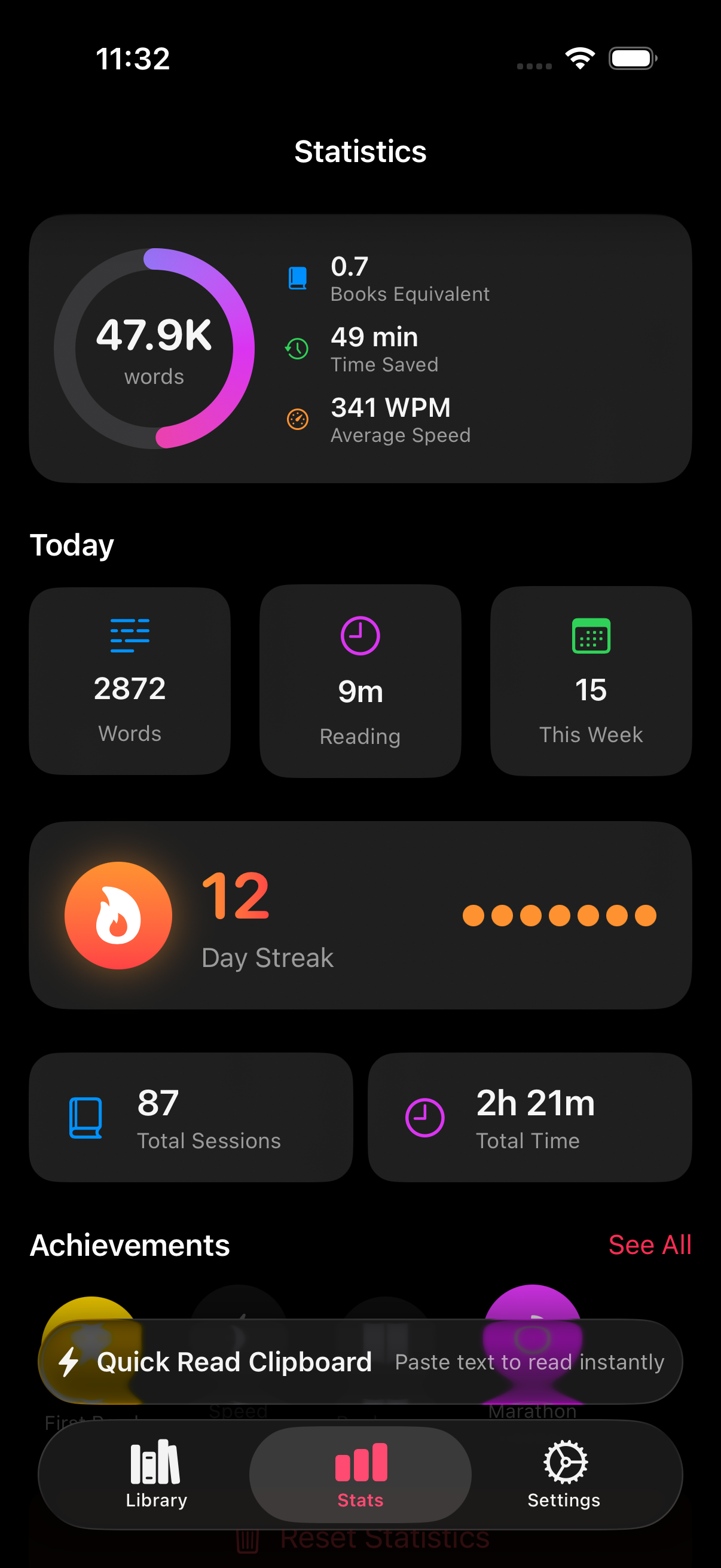
The stats view turns isolated reading sessions into something you can track over time. It gives you a fast read on whether the habit is real or only felt productive for one day.
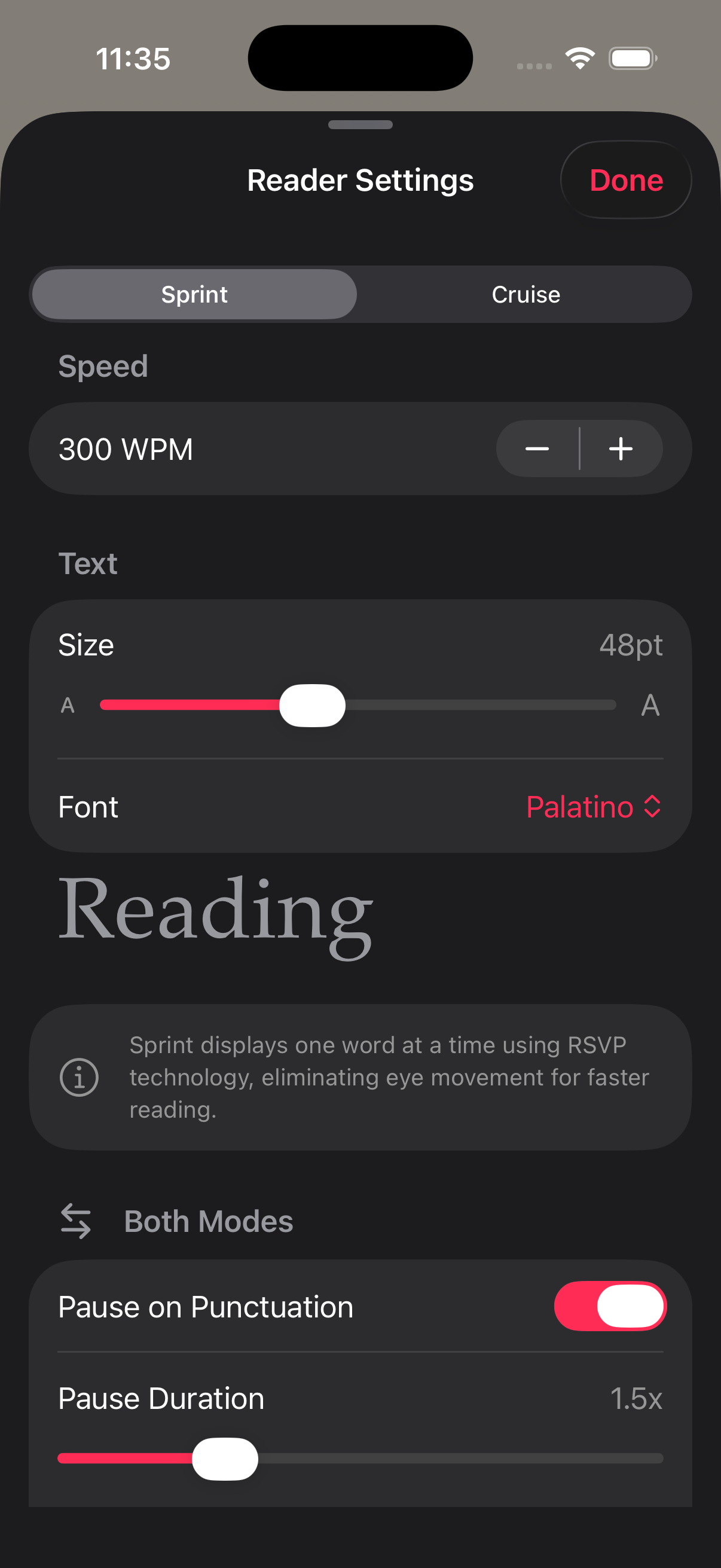
Settings are part of the reading experience, not a dead-end menu. Adjust the pace and presentation until the material feels readable enough to keep going.
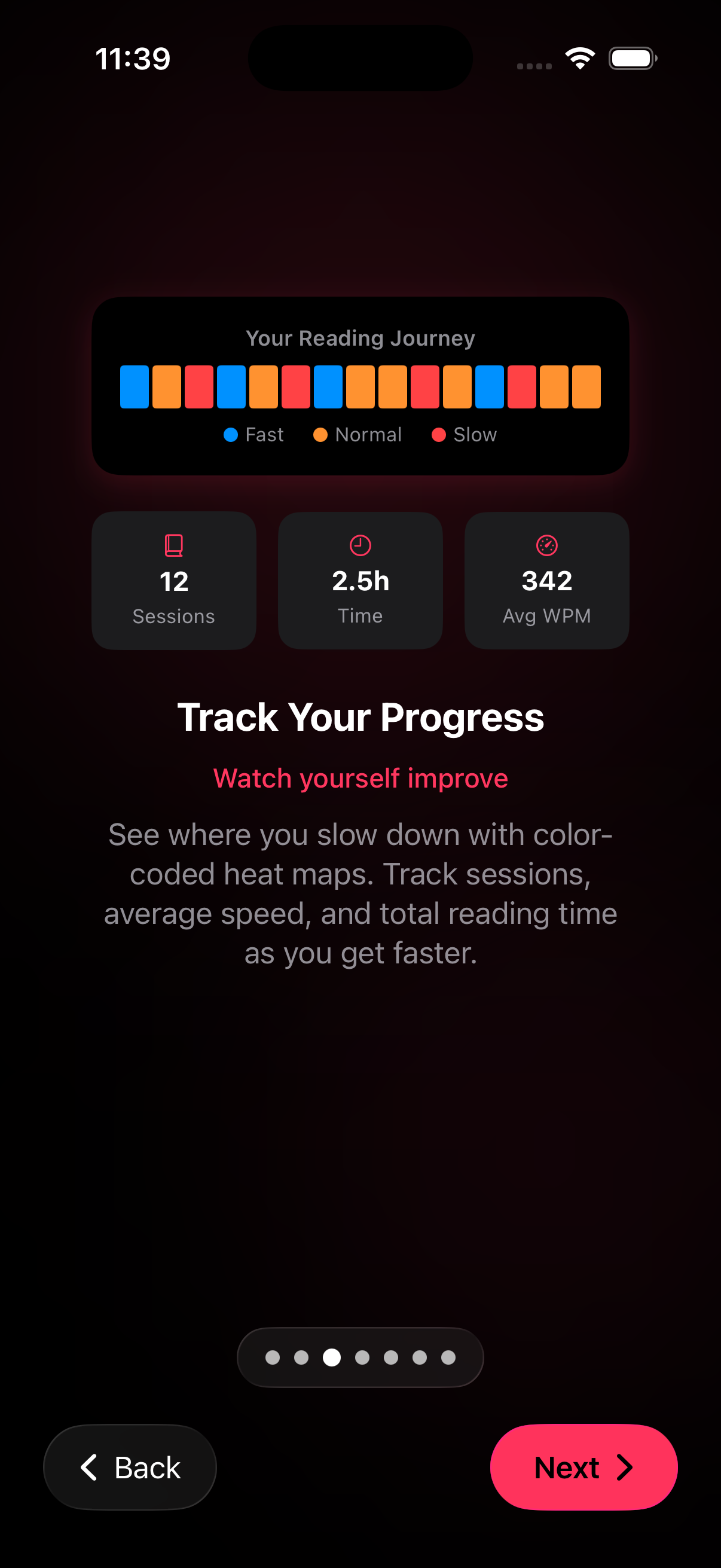
This onboarding-style screen says the quiet part out loud. Progress is not just speed. It is also session count, time spent, and where the reading slows down.
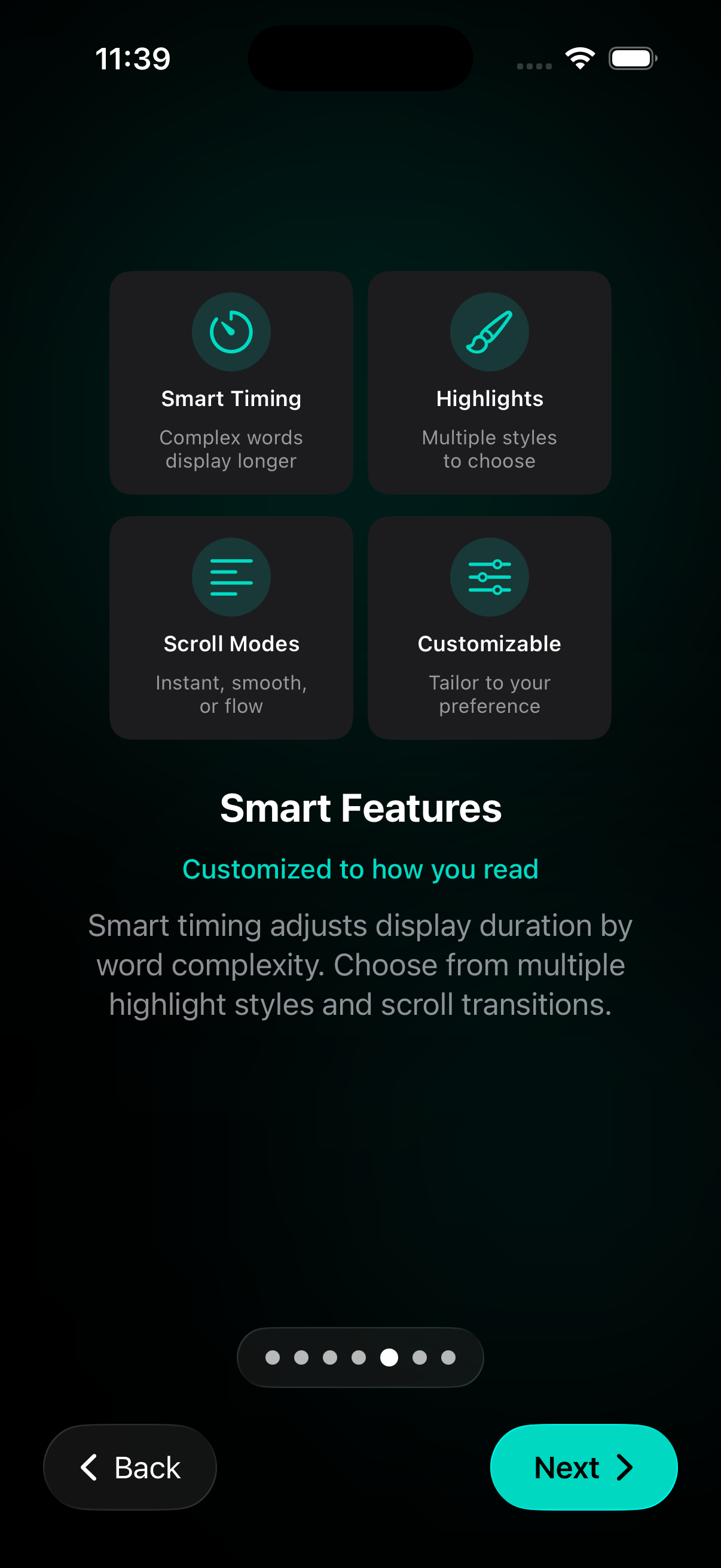
The app does not stop at one reading pattern. You can change the way words pause, the way highlights appear, and the way motion feels on screen.
Feature pages explain the product, guides teach the method, comparisons answer evaluation queries, and help pages close the gap between discovery and daily use.
Custom reading settings app searches come from readers who want control over speed, fonts, themes, spacing, pauses, and visual emphasis before they commit to a reading tool.
Private reading app for iPhone users want clear answers about local storage, permissions, and optional iCloud sync before they trust a reading app with personal material.
Siri Shortcuts reading app pages should show how RSVP Reader uses App Intents, App Shortcuts, and Spotlight to bring reading actions closer to the moment you need them.
Average reading speed by age: typical words-per-minute ranges by age and grade, what is normal, and how to move up a tier.
Read faster and remember more by pairing a sustainable pace with active recall, notes, and spaced review so speed does not cost you retention.
Free speed reading apps compared for iPhone: what each free tier actually includes, and which ones are genuinely usable without paying.
The blog is not isolated. Every post links back into the core product pages so readers always have a logical next step.
How many books can you read in a year? Here is the simple math from your reading speed and daily minutes, plus what faster reading changes.
Best speed reading books worth your time: which ones hold up, which overpromise, and what to read if you want to actually read faster.
Start with the free tier, test your baseline speed, and then explore the workflows that matter to your reading life.